A library built for the controller
Featured and recent games, collections, favorites, title search, game details and library preferences in the Zaman Pegasus theme.
 Try the demo ↗
The current priority is rigorous testing and fixing reproduced bugs. Future features follow that hardening work.
Working means accepted on our prototype. Under validation needs broader testing. Planned is agreed future work. Exploring has unresolved feasibility or scope. These are development states, not release dates.
Sources: current public component repositories, 19 October 2026. The browser demo is illustrative and does not establish platform compatibility.
Featured and recent games, collections, favorites, title search, game details and library preferences in the Zaman Pegasus theme.
Managed emulator and native-game sessions so a frozen game does not kill your experience. A system menu, Resume and confirmed Exit Game. Emulators are configured with auto save and auto resume by default.
Installed Steam games are exported to library, with managed launch and return paths that keep the Steam client running. Whether the game runs depends on its requirements and optimization, unfortunately
Curated ARM64 Linux games, artwork, game galleries, controller browsing, Discover and Activity pages. Game-specific controller readiness is on a per-game basis.
Background installation and removal jobs continue after closing Dukkan. Activity, completion notifications and library automatic update.
Background reception from a stock LocalSend client, a durable inbox, receiving progress and controller-operated destination selection. A transfer above 4 GiB was confirmed on the prototype.
Tool for automatic scraping of artwork, screenshots and description for your retro game ROMs complete with an automatic library update. You can select the recommended option or have full control with the manual option.
Automatic library update after Dukkan, Steam and ROM transfers. Close the menu to let the library update without interrupting gameplay.
Volume, mute and output selection. Connecting headphones and seeing an audio-route toast was confirmed on the development device.
Wi-Fi connection flows and controller-operated text entry, Bluetooth device management, controller status, and display-mode preview with confirmation/revert.
Toasts, notification history, Do Not Disturb, dismissal and links back to relevant activity. Clearing history leaves pending work intact.
Normalized input, menu/game handoff, reconnect handling and Guide ownership. Steam uses its own Guide path with Start + Select as Zaman’s escape shortcut.
Reboot and shutdown with confirmation and graceful session cleanup on tested paths. Sleep is a separate unfinished capability.
The current baseline is entering rigorous validation, covering menu responsiveness, controller reconnection and multi-controller support, extended play sessions, transfer resilience, duplicate handling, storage capacity checks and recovery after restart..
Record tested games, emulator builds, settings, pause and save behavior. Installed cores do not establish support for every game or full system compatibility. Development device successfully ran PS2 games at 2x resolution smoothly.
A planned Kawn-maintained preview image. Graphics, audio, controllers, emulators and recovery must be qualified on the Pi. No public Zaman image is available yet.
Versioned compatible packages, authenticated releases, visible update progress and tested repair/recovery. First scope targets Zaman components; whole-system atomic updates are separate.
Capture still images, browse them with a controller and export them. Follows the current hardening work.
Begin with read-only browsing and import. General file operations follow validation of navigation and recovery behavior.
Controller access to native emulator settings and save management. Behavior will depend on each supported emulator.
Evaluate a managed PC-streaming client after hardening. Hardware video decoding, latency and local/remote controller ownership must be measured on each board.
Add controller-operated copy, move, rename and deletion after read-only browsing and import are validated. Clear confirmation and recoverable behavior are part of the proposed scope.
Evaluate recording after screenshots, with measured encoding support and impact on gameplay. No recording performance is promised yet.
Evaluate signed image updates, separate persistent data, bounded boot attempts and tested fallback. Depends on a controlled image layout and board-specific boot integration.
Document installation, graphics, audio, input and recovery independently for each port. A running interface is the first milestone toward a complete console experience.
These are placeholders in the current menu. Device suspend/resume and expanded appearance settings need their own implementation and validation.
Built in the open. Photos from the bench as the Core comes together.
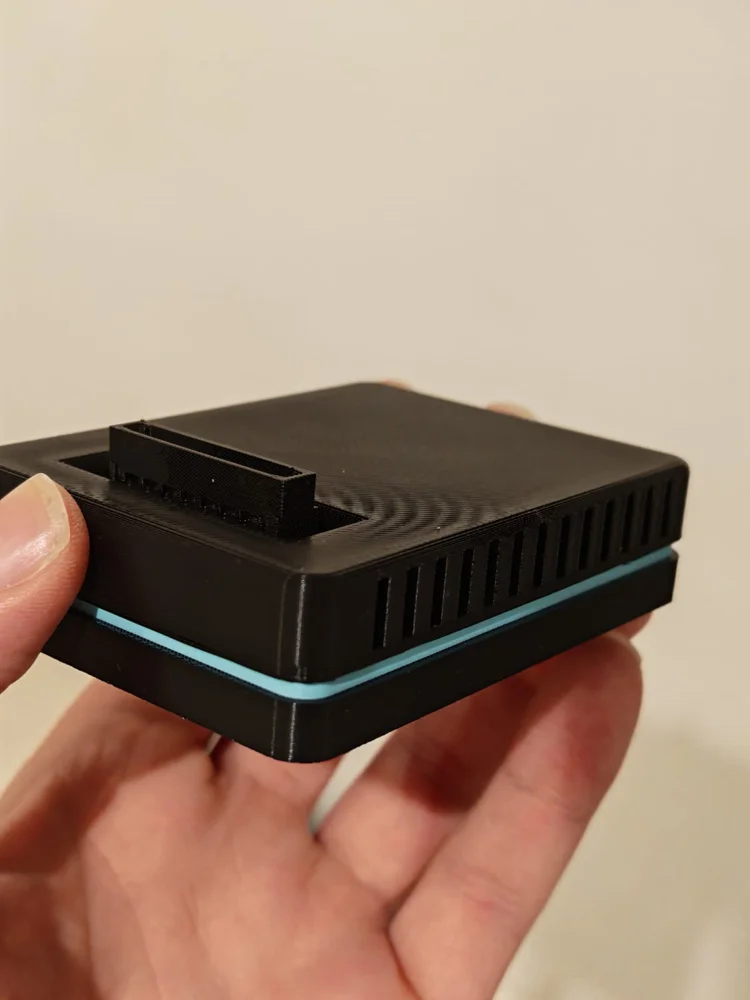
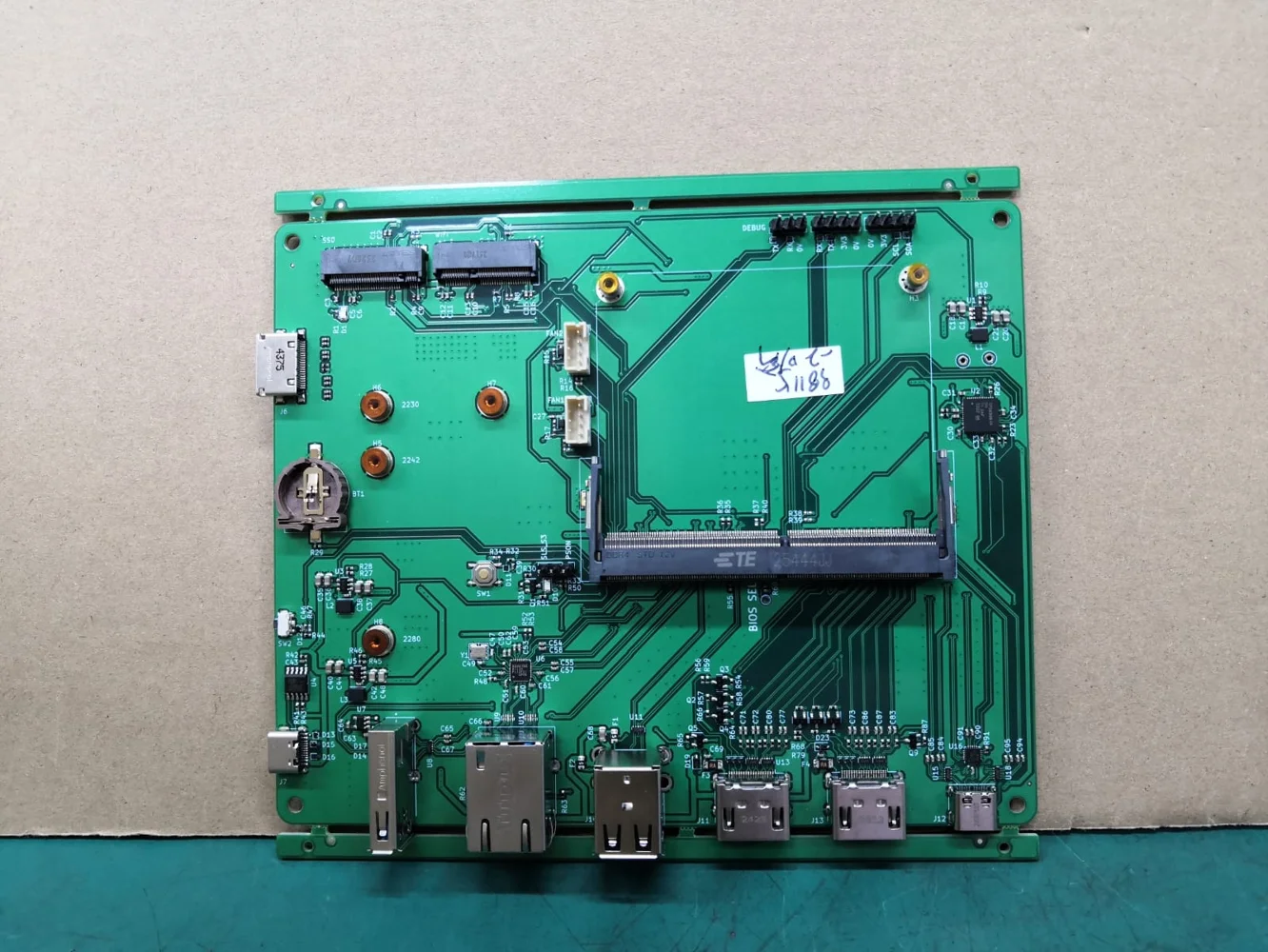
Accelerated graphics, library, controllers and managed sessions on Dragon Q6A.
system menu polish, notifications, background store transactions and Steam library integration.
Background game transfer, artwork workflows, consistent menu behavior and ROM library refresh.
Reliability testing, reproduced bug fixes and preparation for reproducible releases.